Browse documentation
Sales
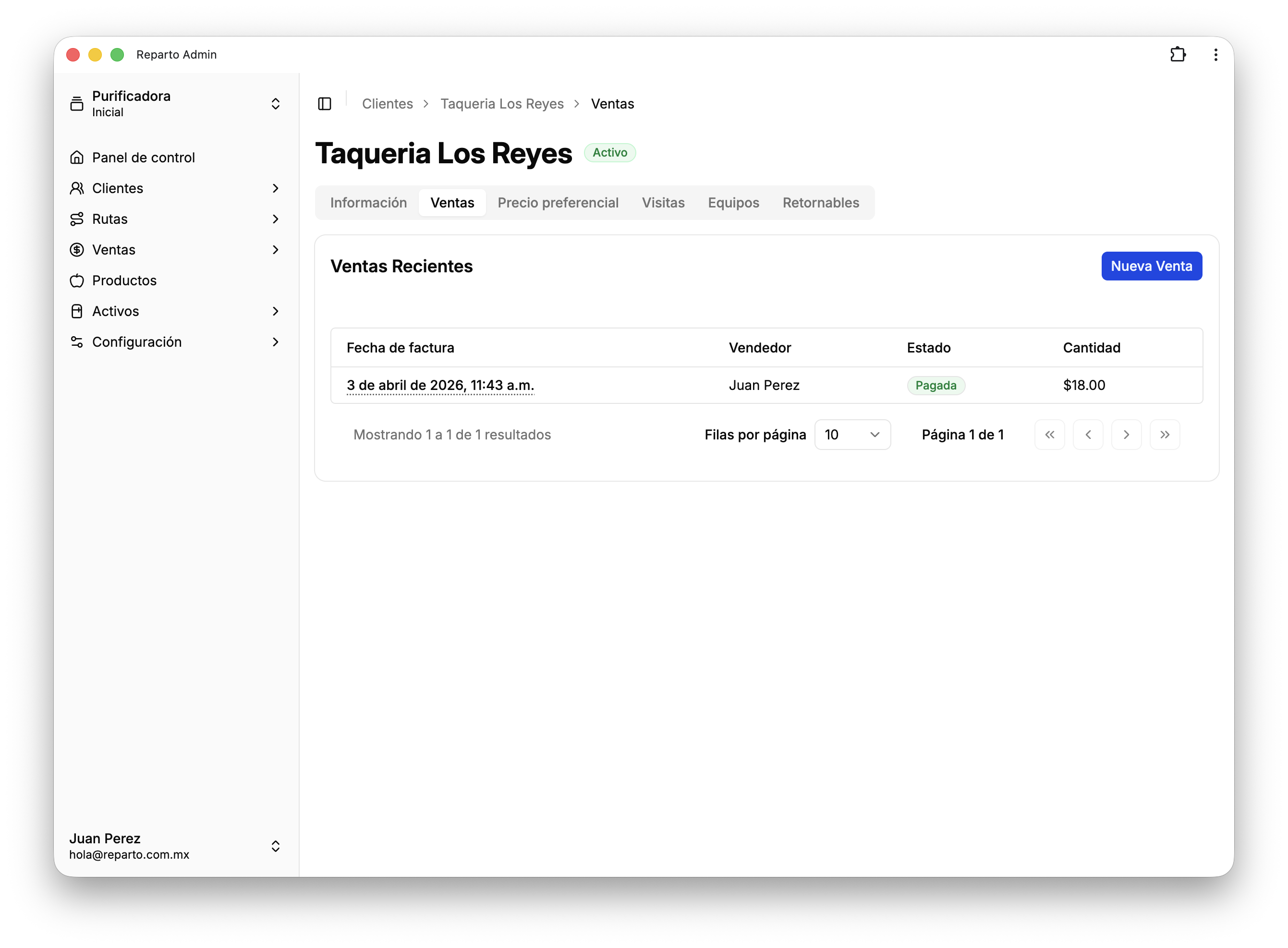
You can review sales across all customers or focus on a single customer to keep tighter control over your sales activity.
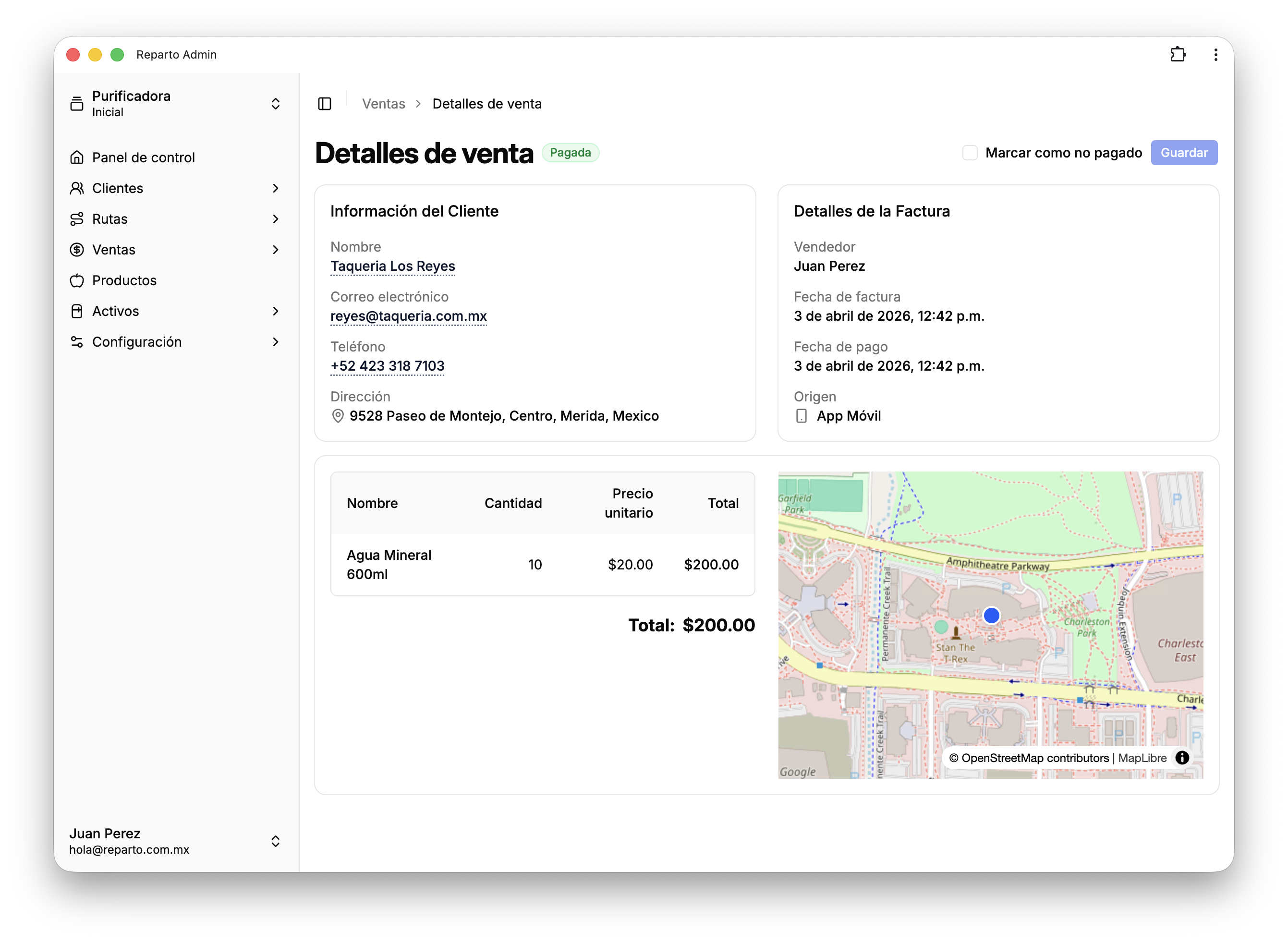
You can also open each sale to view its details. When a sale was registered from the mobile app by one of your sellers, Reparto shows the location where it happened so you have more context and traceability.
How to register a sale in the mobile app
From the mobile app, your field team can register sales at any time. The process is simple: find the customer and start a sale, select the products that were sold, and confirm the sale so it is recorded.
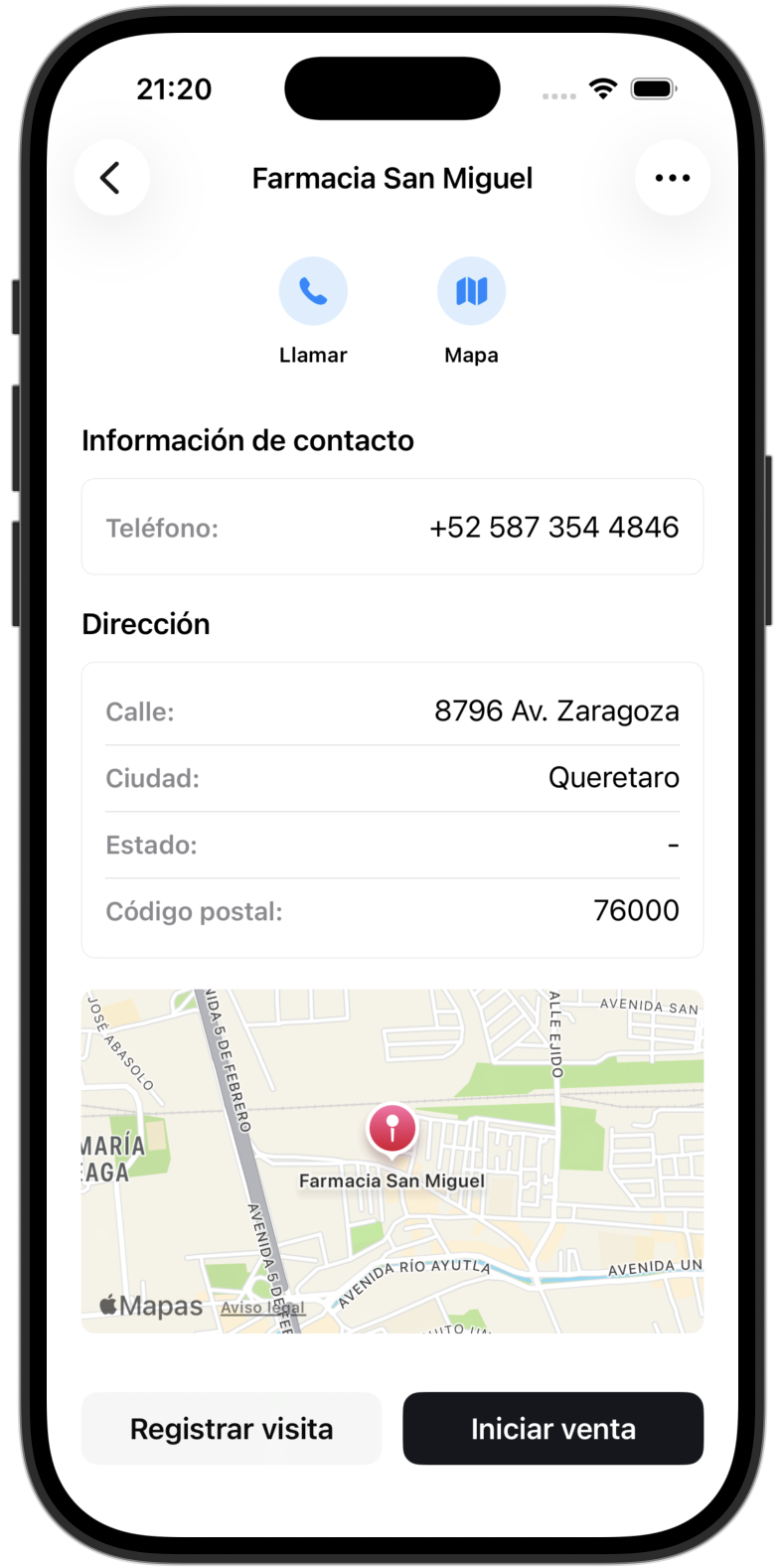
Find the customer and start a sale.
Once inside the sale, select the products and the corresponding quantities.
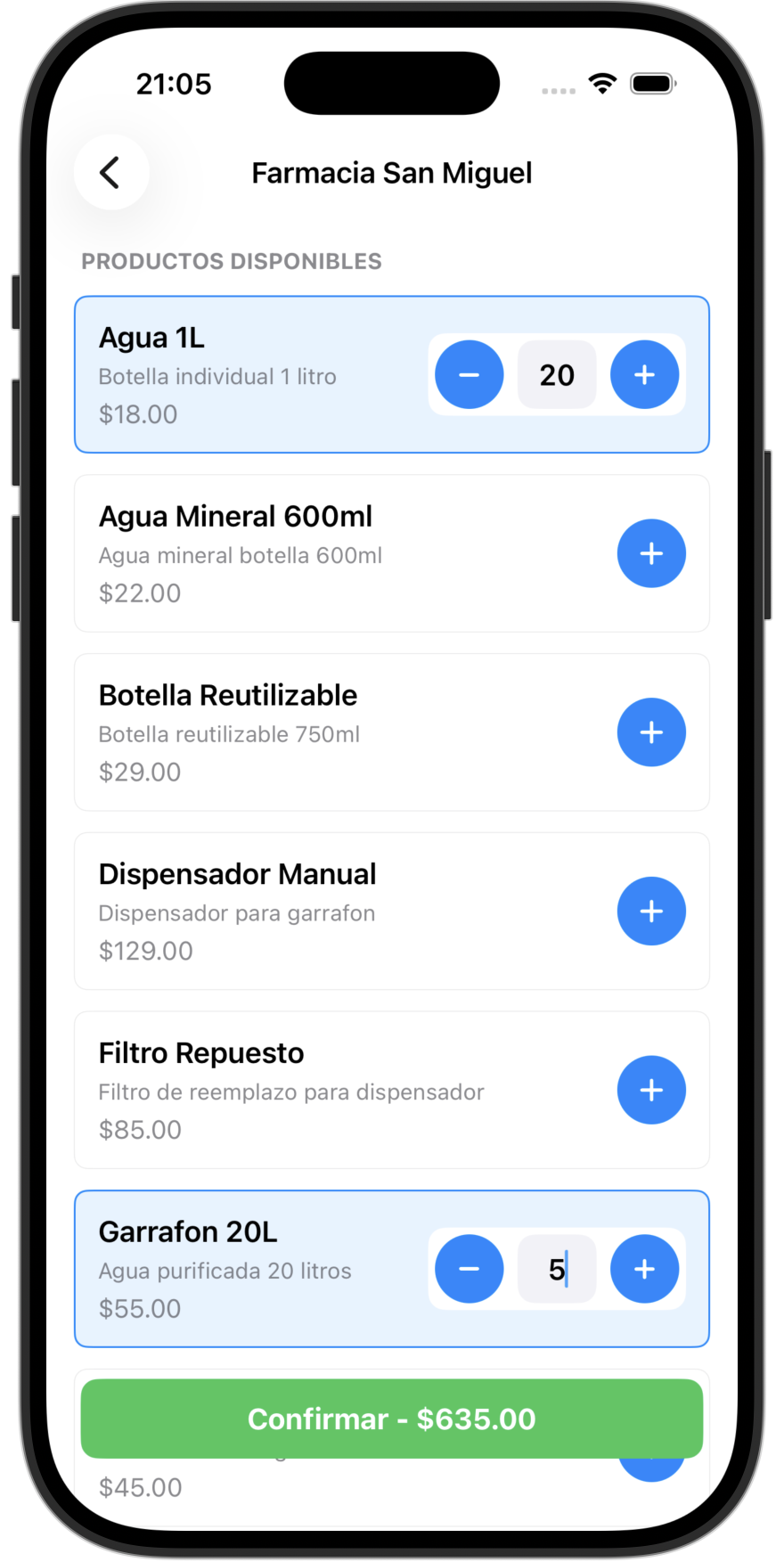
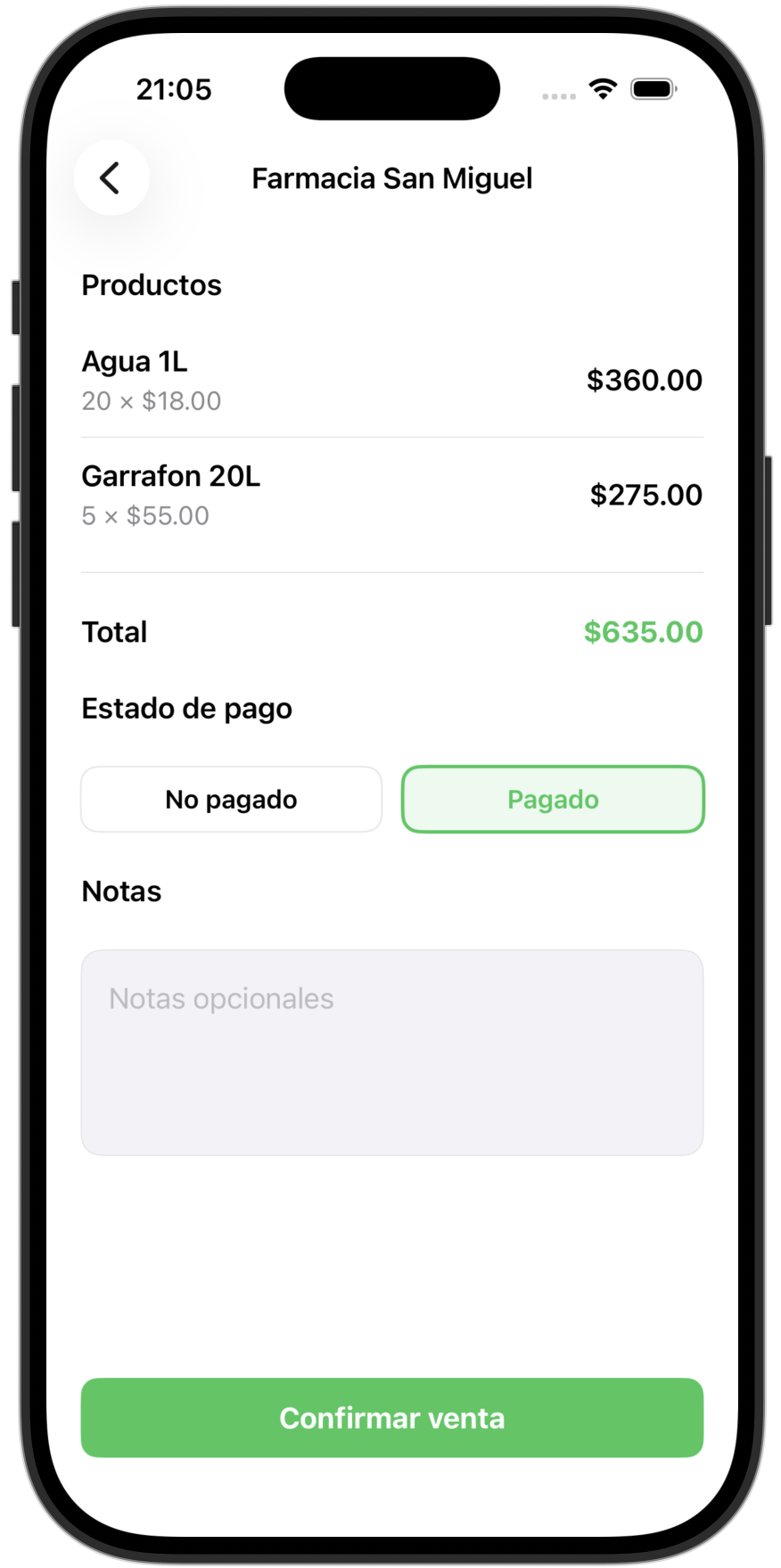
Finally, review the summary and confirm the sale so it is saved correctly.